
Presentation Routing
Layout rules are defined on the native runtime. The optional R3F DebugViews component applies the same rules from React props.
Native routing
Section titled “Native routing”After createDebugViewportPlan(), call requiresViewportRuntime(viewportPlan):
false— usecreateDebugPipelineRuntime()(one fullscreen TSL compositor).true— usecreateDebugViewportRenderer()(per-pane scissor/viewport passes).
See Native Runtime for compositor vs viewport tradeoffs.
R3F composed selection
Section titled “R3F composed selection”When you do not provide explicit pane assignments, DebugViews renders the selected debug sources and uses one fullscreen TSL compositor for presentation.
Use it for cheap switching, overlays, and simple layout inspection.
In single presentation, compatible built-in views share reusable runtime pipeline groups. Switching between scene material channels such as roughness, AO, metallic, and opacity does not rebuild the whole debug runtime.
Supported layouts:
singleoverlaysplit-hsplit-vsplit-diagonalbreakdownquadrowcolumngrid
<DebugViews views={views} layout="row" paneCount={4} />Use split-diagonal for a two-pane split with a slanted divider. Use breakdown for four diagonal bands, useful for multi-view material breakdowns. split-diagonal defaults to a restrained angle; breakdown defaults to 25 degrees. Diagonal layouts are clamped to 45 degrees unless you provide maxDiagonalAngle.
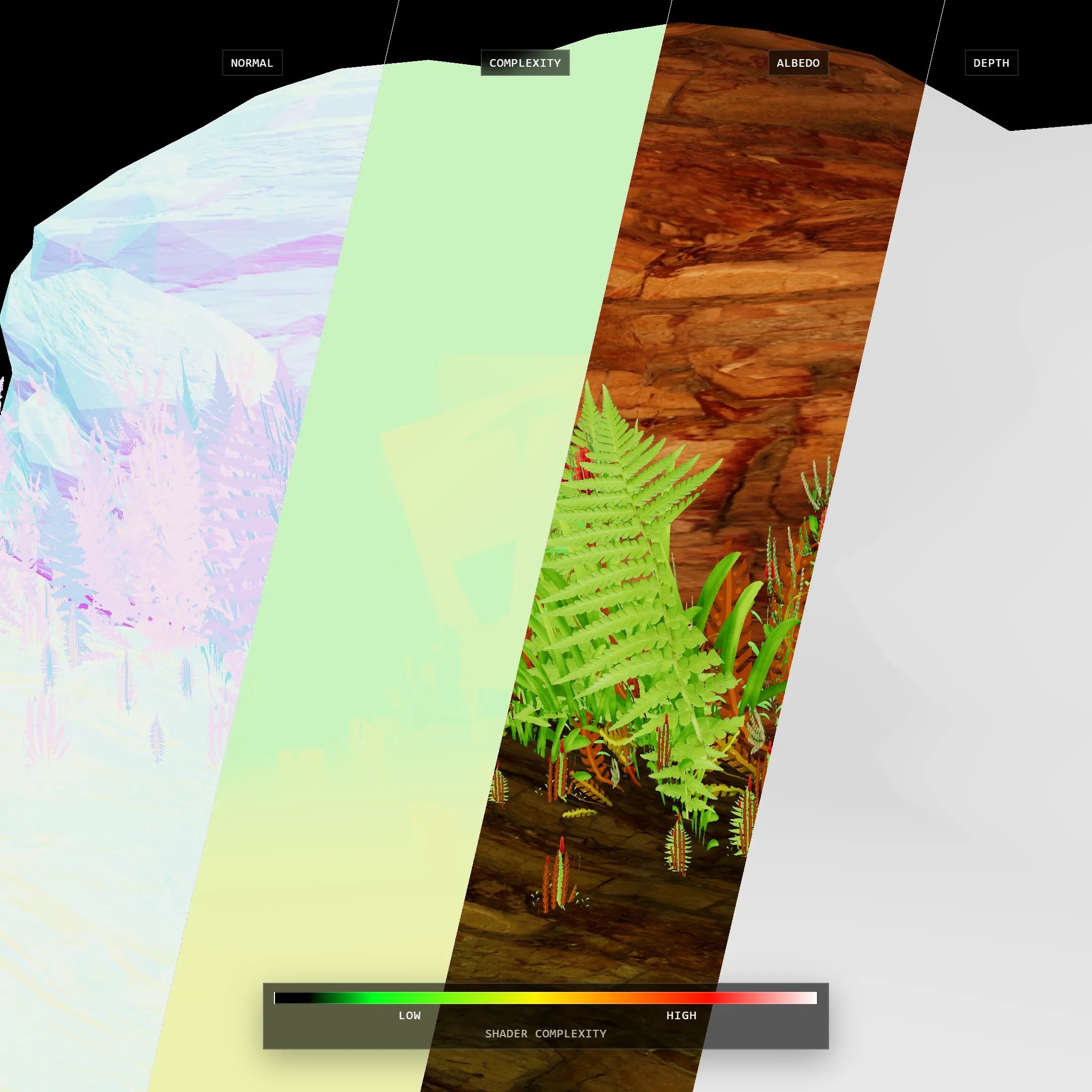
The repo demo supports a fixed capture preset for presentation screenshots: open /?capture=social&scene=overdraw in a WebGPU-capable browser while pnpm dev is running.
Pane dividers render as thin hairlines with a silver edge gradient over a black core. Tune them with lineWidth, edgeColor, and coreColor on DebugViews, or use the bundled Leva Divider controls when a multi-pane layout is active.
R3F explicit panes
Section titled “R3F explicit panes”When you provide viewportViews, DebugViews assigns views directly to panes.
Simple pane assignments still use the composed TSL path. It switches to renderer viewport/scissor panes only when a pane needs a custom camera or resolutionScale.
layout and paneCount define the pane geometry. viewportViews assigns content to those panes.
<DebugViews views={views} viewportViews={[ { view: "beauty", label: "Beauty" }, { view: "lightingOnly", label: "Lighting" }, { view: "normal", label: "Normals", resolutionScale: 0.5 }, { view: "roughness", label: "Roughness", resolutionScale: 0.5 }, ]} layout="row" paneCount={4} showLabels/>resolutionScale is quantized to 1, 0.5, or 0.25 so render targets can be reused predictably instead of producing one-off VRAM allocations.
For the pass cost model behind each view, see Performance Model.